Printing Solutions North East

How to create Print ready artwork – Guidelines and Tips

Print Ready Guidelines Tips and Tricks

What is print ready I hear you say…..

Print Ready is the term used in the trade to describe a document or file that is ready to proceed to print

In the print industry there are certain specifications that help us produce a high-resolution printed outcome. 

Part of this specification is that the artwork needs to be supplied with crop marks added to each corner and set with a 3mm bleed to each edge.

This ‘bleed’ edge will be trimmed off in production but it is necessary as any colour or images need to ‘bleed’ over the finished size so that you get a nice clean edge (no paper showing on the edge).

If bleeds are not included then to mimic the appearance of the bleed, we have to cut into the edge of the document.

You’ll end up with a printed document which is 4 or 5mm narrower and shorter than you intended.

Which may result in critical content being cut off or the finished job looking uneven/off-centre once cut.

You may have  some text very close to the edge of the page so these may be completely cropped off.

So for this reason we recommend keeping all text, logos etc inside the ‘safe area’ to avoid any possible cutting issues.

There’s inevitable movement with print in the cutting process and if you have text too close to the finished size line it may be cropped.

We advise you to set the safe area 5mm in from the finished size line.

Standard method in the industry is PDF for submitting artwork for printing.

This is because PDF generates smaller files and, when used correctly, it ensures that all graphics/fonts are properly embedded and therefore there is no movement.

Enabling them to be printed correctly,  no matter which computer you print them from and is ideal if you are creating a multi-page.

FONTS 

Check and try where possible to stick to standard fonts such as Arial or Times New Roman, as these are usually installed on nearly every PC.

We understand that you may want to be different if it is part of your brand identity and choose an unusual font.

If this is  this case for your brand, all we ask is that you remember to tell the designer or printer.

Changes that may be needed by your  printer or designer will have to be done in this font and therefore downloaded to re-create or change your artwork for you.

Ideally, all fonts in print ready artwork should be converted to outlines to avoid any potential font embedding issues.

Choose the highest available quality setting, look for “print quality”, “press quality” or “high quality”.

COLOURS

To get the best colour match we require artwork to be set as the CMYK colour model which is a four colour process used in colour printing and used to describe the printing process itself (Cian Magenta Yellow and Key which is black). 

See our blog on Digital and Lithographic printing explained regarding colours 

The colours of your artwork will always look brighter and richer on your screen or monitor as it’s a back lit screen and those colours are made up of three colours – Red, Green and Blue (RGB)

They will will always be slightly darker than how it appears on a computer because the colour is reproduced from four colours.

Standard print(CMYK) then printed onto paper or board (which can also affect colour) then left to soak into the stock and dry.

When colour printing please remember to specify colours by indicating the Pantone name or number.

This assures that you get the right colour when the file is printed, even though the colour may not look right when displayed on your monitor, the printed article will.

Remember too how important it is for top quality images if you are looking at wide format printing such as outdoor banners or pop up banners.

Decide on the size of your banner. the images need to be at least 300dpi (dots per inch) preferably bigger if possible to ensure they are crisp and dont blur or pixilate.

Making sure they are saved in the correct colours CMYK.

PDF is now the industry standard method for submitting artwork for printing, because it generates smaller files

When used correctly, it ensures that all graphics and fonts are properly embedded to guarantee that they will print correctly no matter which computer you use.

If your PDF is password protected we won´t be able to print it. Please ensure all document restrictions are removed.

To remove document restrictions, bring up the document properties (File – Properties or Ctrl+D), click on the Security tab and ensure that all actions are set to ´allowed´.

It is so important to get your artwork correct so that when you are preparing your business cards, flyers, brochures and leaflets.

They will look so much more professional and set your brand off.

Read our other blog Brochure and Leaflet Design Tips to help you also

We hope this information is helpful if we can be of any further help or you would like a quotation please  contact me

Brochure Printing and Design Tips

Brochure and Leaflet Design and Printing tips

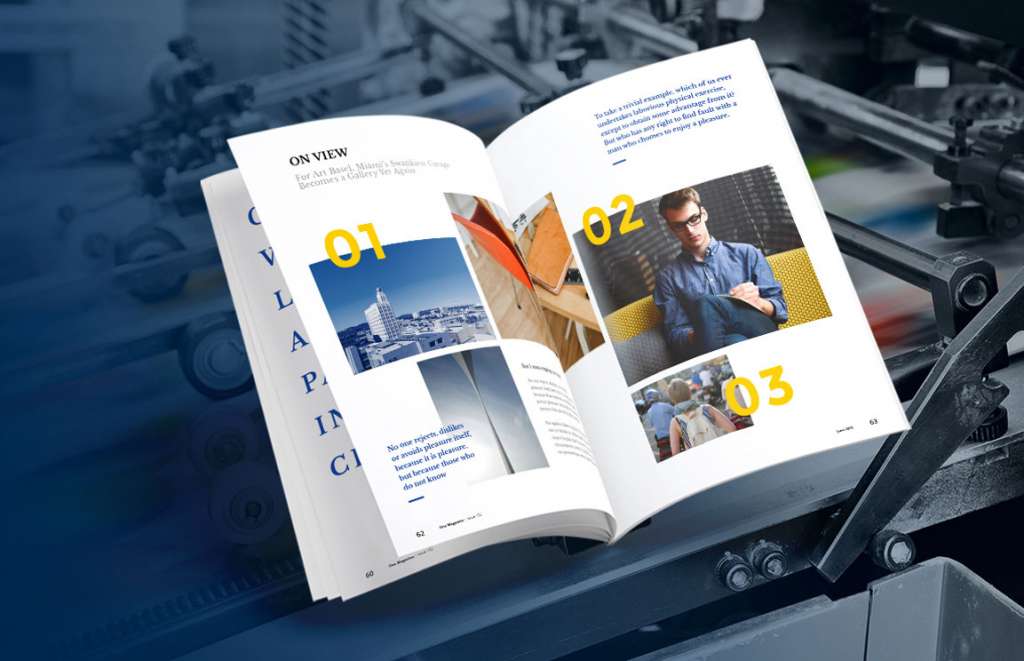
Your brochure is one of your most powerful marketing tools you can hand out. It needs to grab attention, engage your audience, and reflect your brand identity effectively. Whether you need a simple flyer or a detailed multi-page brochure, we’re here to help you get it right from design to print.

There are so many options available. The first step is choosing what sort of flyer, leaflet or brochure your business needs and what you want it to say about your products or brand. What format works best ?

We suggest you focus on key products or services , decide what you are wanting to say or sell. Taylor your design and content accordingly. Keep it simple but try to be different from all the others that are posted though your customers door.

Then it is about getting your leaflet design right. 

A skilled designer will help bring your brand to life, ensuring a clean, professional look. We work closely with our clients to understand their brand identity and key messages.

Review previous work from designers to see if their style matches your vision.

Involve your team Brainstorm ideas with mood boards and team discussions to discuss what your business needs are.

Your brochure should stand out, and high-resolution images make all the difference.

Use professional photos – Clear, high-quality images enhance credibility.

Consider gloss finishes – This will make product images pop.

Avoid low-resolution images – Blurry or pixelated pictures look unprofessional.

Stock images? – If necessary, use high-quality free stock images from sites like Pixabay or Freepik.

✔ Use your brand’s Pantone colours and font styles – This keeps your branding cohesive across all marketing materials.

Maintain a consistent tone of voice – Whether professional, friendly, or creative, it should reflect your brand identity.

Printing is just as important as design. Poor print quality can ruin even the best designs, so follow these essential tips:

Choose the right print format – Digital for smaller runs, Lithographic for large orders.

Decide on finishing touches – Will your brochure be folded, stapled, bound, or collated?

Go for premium paper – A heavier, coated paper with gloss, silk, or matt lamination adds durability and a professional feel.

Check spelling and content – Proof read thoroughly; printers don’t check for errors.

Prepare artwork correctly – Ensure files are in the correct format (JPEG, PDF, or PNG).

Plan ahead – Allow time for revisions, approvals, and printing deadlines.

💡 Tip: Ask for quotes with different quantities and finishes to compare costs and find the best option.

Brochure printers may not have a designer attached to them so choosing a Print and Design business is a win win situation, they can advise on paper quality and what will work. Therefore keeping your cost down, but the quality wont be compromised.

BROCHURE DESIGN TIPS

Decide who your target audience is

  • Decide what your objectives are and what you are trying to achieve

  • Who is your target audience and what are you selling?

  • The above will help you determine whether you need a brochure, booklet, flyer or tri-fold leaflet?

  • Decide what size you think it should be A4 A5, choose either portrait or landscape and how many pages? (remember printers need it to be a multiple of 4)

  • Choosing the right paper weight, quality and finish is just as important as the design itself. It will add value to the service or goods that you are selling.
  • Have you got your brand pantone colours and codes ?

WHY CHOOSE PROFESSIONAL PHOTOS FOR YOUR BROCHURE


Invest in beautiful images and photographs and go for gloss to showcase them

Your images in our opinion should be professional done to enhance your brochure as they need to be a high resolution. This way they are your own and therefore not governed by copyright.

One thing to stress is you cannot compromise when it comes to good quality images. Don’t make the mistake of using low-res images as these will print look unprofessional.

If you are you selling a product that needs the colours to be really accurate and true to life then take professional photographs to ensure these transfer well to your printed product.

Decide on the quantity, this will affect the cost.

Larger amounts will be done lithographically, smaller amounts will be done digitally. See our article on the difference between Lithographic and Digital printing options,

When do you need them by as this may well affect the cost? Allow plenty to time for changes to text and to copy read for mistakes.

BROCHURE PRINTING TIPS


Remember print is tangible and customers like the feel of things, so if you get the quality right you may get a better return on your investment and therefore sell more products or services.

Will your brochure be folded, collated, stapled or bound and is the cost of this included in the quote ?

The cover of your booklet can make the difference between it being picked up or discarded.

Speak to a print specialist, ask their advice. Contact us for a quote for a couple of different amounts and finishing options as a price comparison. 

If you are choosing a more contemporary look for your brochure, then we would recommend a matt lamination.

Now you have a fantastic design we suggest you use a heavier paper which will ensure durability. Choose a really nice coated finish, this could be gloss or silk which could be matt laminated.

Allow time for it to be checked for clarity and for errors by other people in your group.

Pay attention to spelling, numbers etc. Your printer will not be able to do this so this is imperative that it is done by a couple of people as it will be a waste of money if not right.

Make sure the artwork is in the agreed format. This may be JPEG, PDG of PNG.

Finally allow enough time to get it to your printer on time and save yourself and your printer unnecessary stress

Please get in touch Nicola-millfieldmedia@outlook.com

Privacy Preference Center

Necessary

Advertising

Analytics

Other